
printhead type
Roland Printheads
Johope provides Roland printheads DX4, DX6, DX7 & VersaUV Series for VersaCAMM, VersaUV, VS, SP, and TrueVIS wide-format printers.
Confirm compatibility by printer model, part number, dimensions, connector, and ink chemistry before quotation.
Explore our complete range of Roland printheads for eco-solvent, UV, and wide-format digital printing applications.
Browse the Roland printheads below, or search by your Roland printer model or original part number, such as 6000005180, 6000005213, 6000006702, or 6701409010. Our selection includes printheads compatible with VersaCAMM, VersaUV, VS, SP, RF, RE, XF, and TrueVIS series printers, making it easy to find the right replacement for your machine.
Matching products
3 products
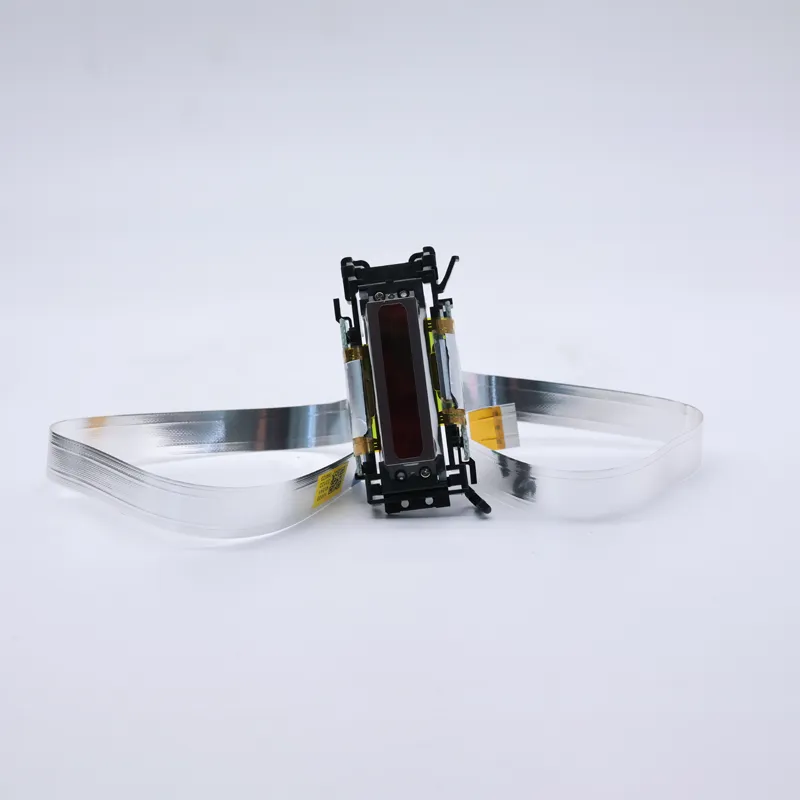
printerhead
Assy, IJ Head SOL 250L SV CG2076 6000006702 for Roland VG/SG Series
- Brand
- Roland
- Model
- 6000006702
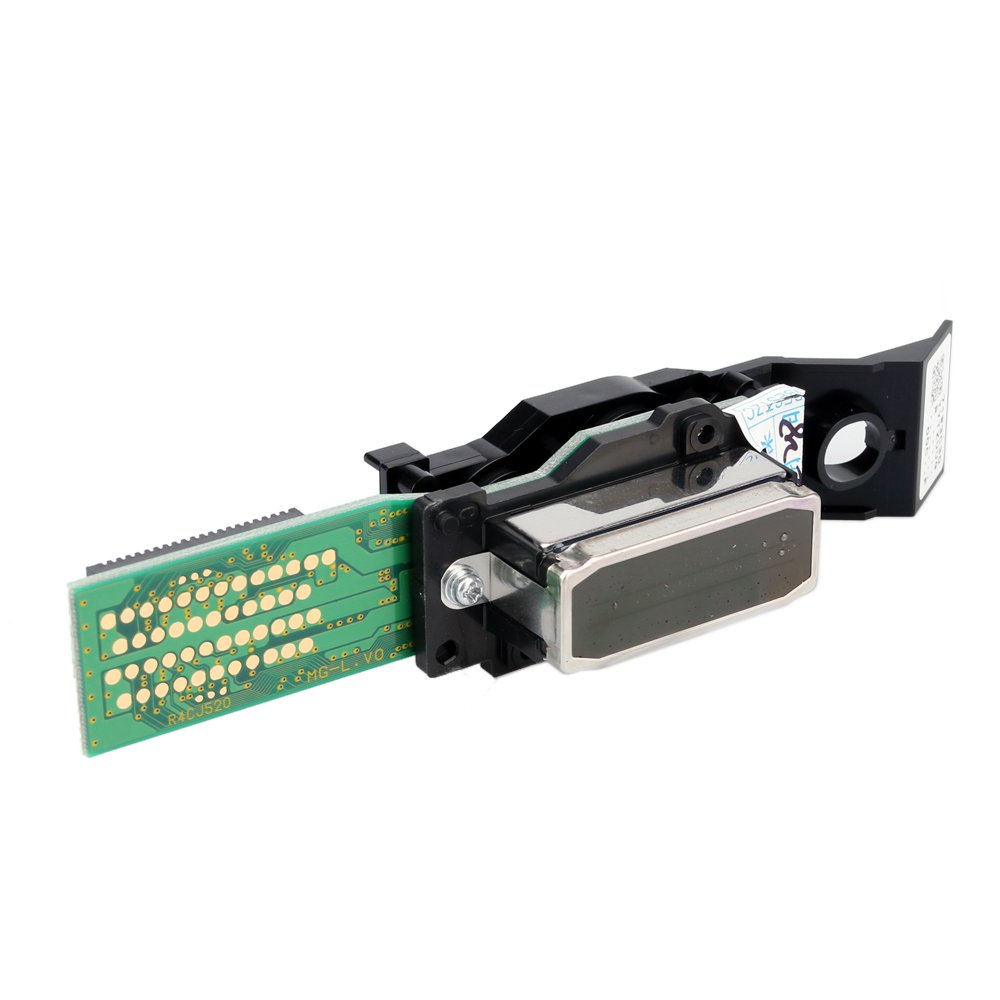
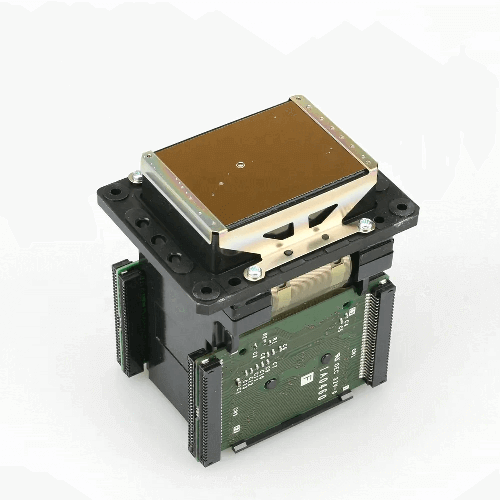
printerhead
Roland DX7 Printhead for Roland BN20/VS640/XR640/RF640, etc. (6701409010)
- Brand
- Epson
- Model
- DX7
FAQ
Which printhead does my Roland printer use?
Roland printer models use different printheads depending on the machine series, generation, and ink system. For example, DX4 (6000005213) is used in models such as the SP-300, SP-540, SC-540, and some older SJ-series machines. DX4 Gold (6000005180) is designed for selected VersaUV LEF-series UV flatbeds, including the LEF-200, LEF-300, and LEF2-300. DX6 (6701409010) is compatible with VS-300i, VS-420i, VS-540i, and VS-640i, while SV Gold (6000005286) is used in selected VersaCAMM printers. Always verify the exact printer model and original part number before purchasing.
What's the difference between DX4, DX6, and DX7 in Roland printers?
These printheads belong to different Epson printhead generations and are used in different Roland printer platforms. DX4 is commonly found in older Roland solvent machines and is known for its established reliability. DX6 offers a different nozzle configuration and is used in various VS-series eco-solvent printers for higher productivity and image quality. DX7 is associated with newer, high-resolution Roland systems and is used in selected models such as the BN-20 and RF-640. UV-specific versions such as DX4 Gold and SV Gold are designed with materials suitable for UV ink. Because the heads are not universally interchangeable, compatibility should always be confirmed by printer model and part number.
Why is my Roland printhead clogged?
Roland printheads can develop clogged or missing nozzles due to dried ink, dust, prolonged downtime, contaminated ink, poor maintenance, or buildup around the printhead and capping system. If a nozzle test shows dropout, cleaning should be performed according to the printer's maintenance procedure. Roland recommends cleaning when nozzle dropout is detected and checking the nozzle test again after cleaning.
How do I clean a Roland printhead?
Start with the printer's normal cleaning function and perform a nozzle test to check the result. If dropout remains, stronger cleaning or manual cleaning may be required depending on the printer model. For manual cleaning, use our PRINTLIQUID™ printhead cleaning solution and a new, lint-free cleaning stick, and never rub or press the nozzle surface aggressively. Roland specifically warns that cotton swabs and reused cleaning sticks can damage printheads or affect print quality.