
printhead type
Mimaki Printheads
Mimaki printheads for solvent, eco-solvent, UV flatbed, latex, and dye-sublimation printers — covering the JV, CJV, UCJV, JFX, UJF, UJV, TS, and TX series.
Confirm compatibility by printer model, part number, dimensions, connector, and ink chemistry before quotation.
Genuine Mimaki printheads for solvent, eco-solvent, UV flatbed, latex, and dye-sublimation printers — covering the JV, CJV, UCJV, JFX, UJF, UJV, TS, and TX series.
Search by printer model or Mimaki part number (e.g., M007947, M022625, M015372, M027970, M022653, M022626) to find your exact replacement head.
Matching products
12 products
printerhead
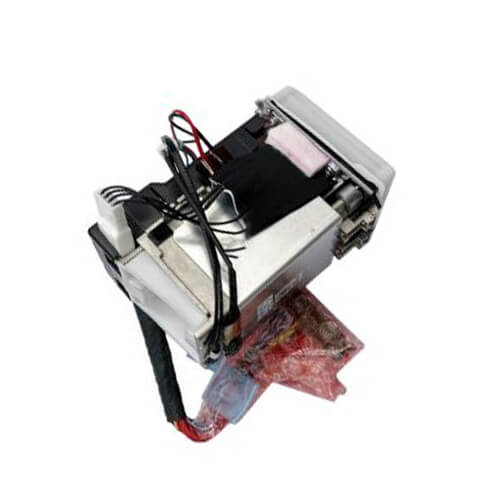
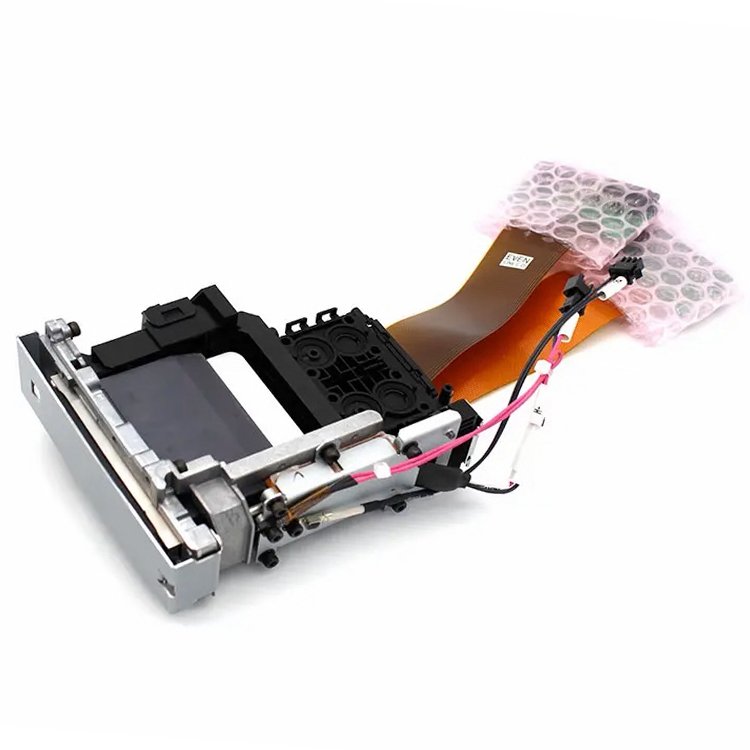
Ricoh Gen5 Maintenance Head U Assy for Mimaki UCJV150/300 (MP-M026887)
- Brand
- Mimaki
- Model
- MP-M026887
printerhead
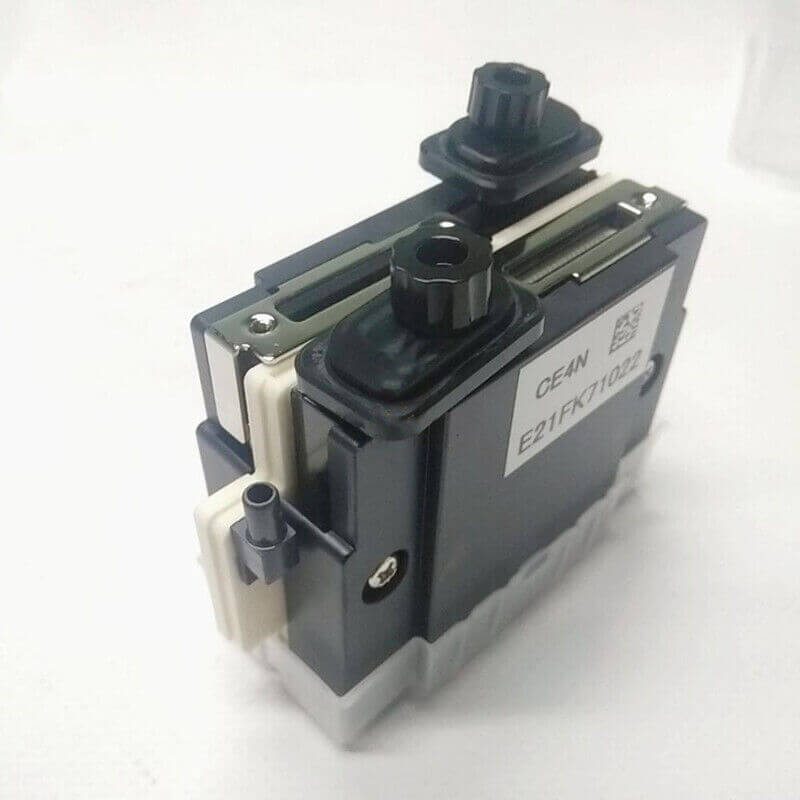
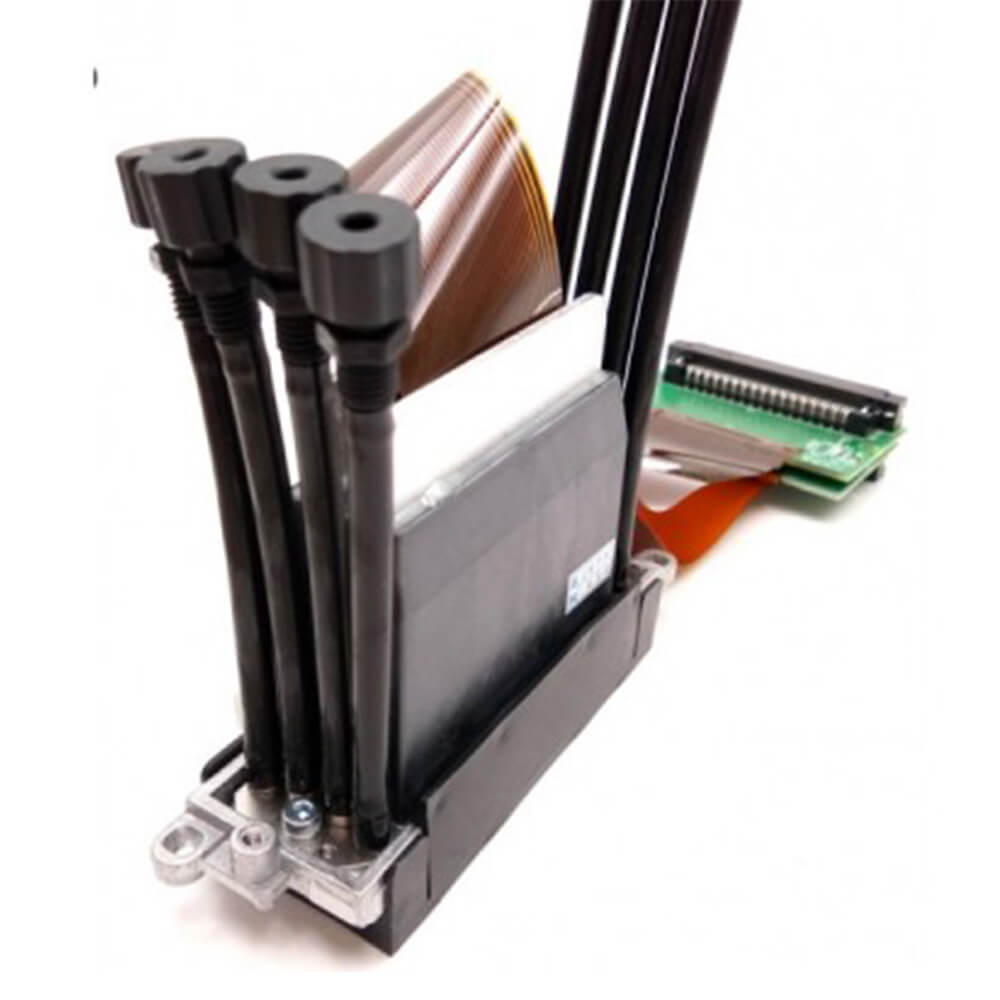
Ricoh Gen5 Printhead Assy for Mimaki JFX500-2131 (MP-M022626)
- Brand
- Mimaki
- Model
- MP-M022626
printerhead
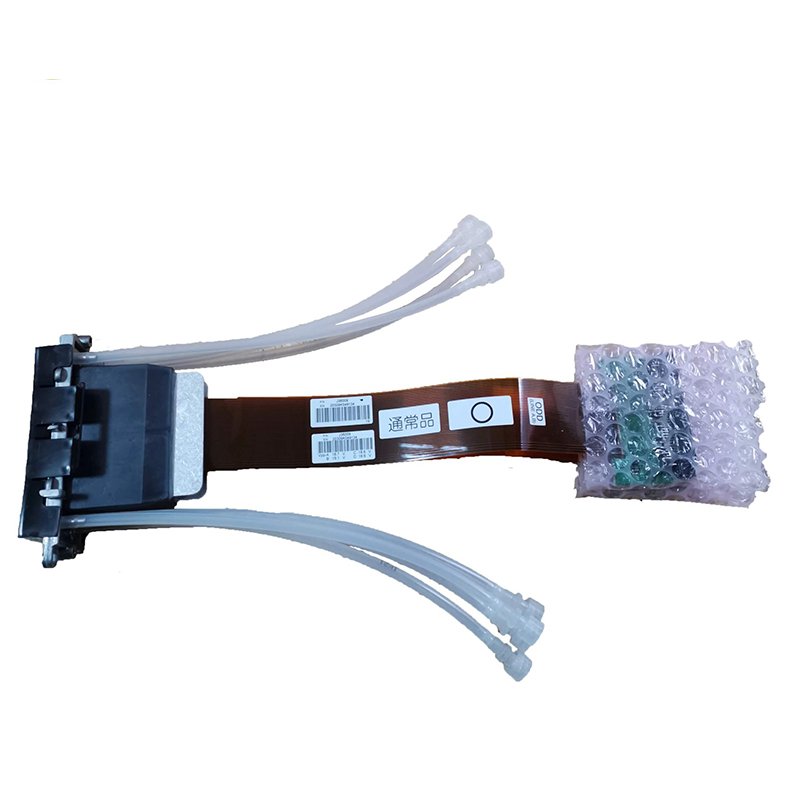
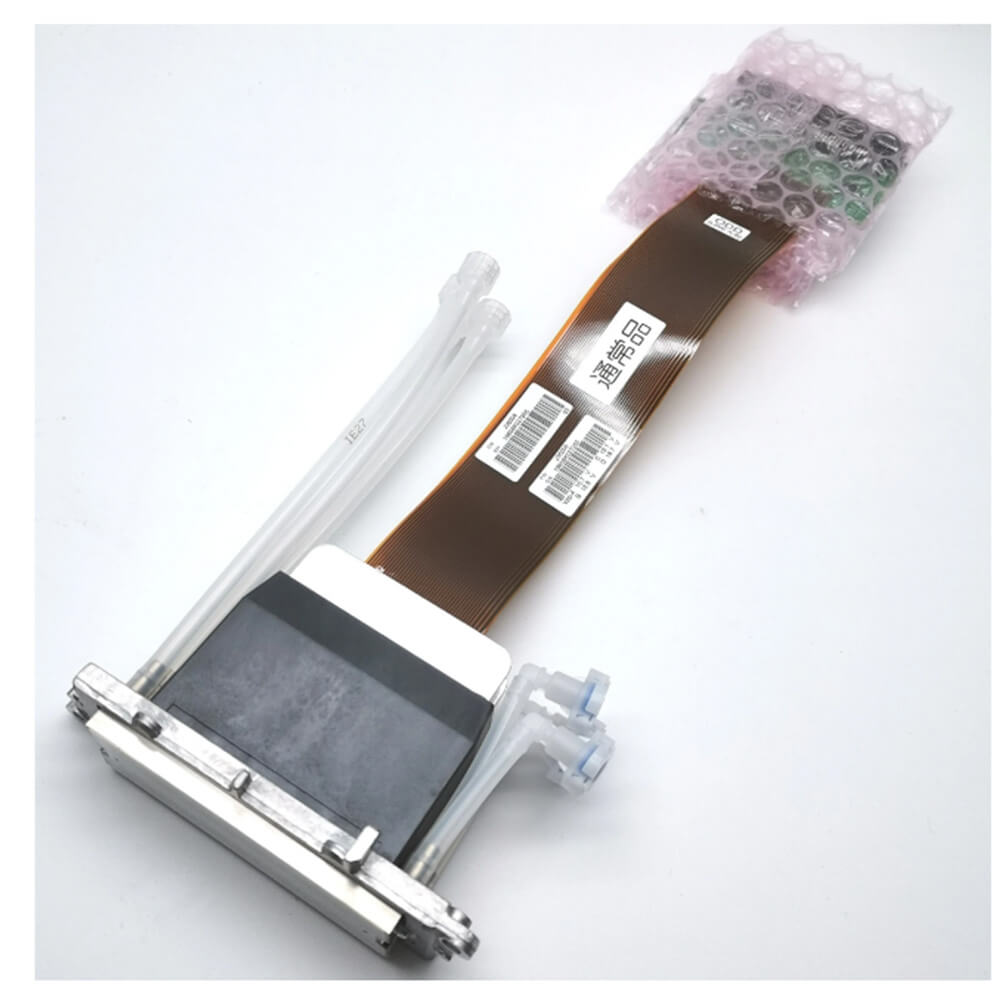
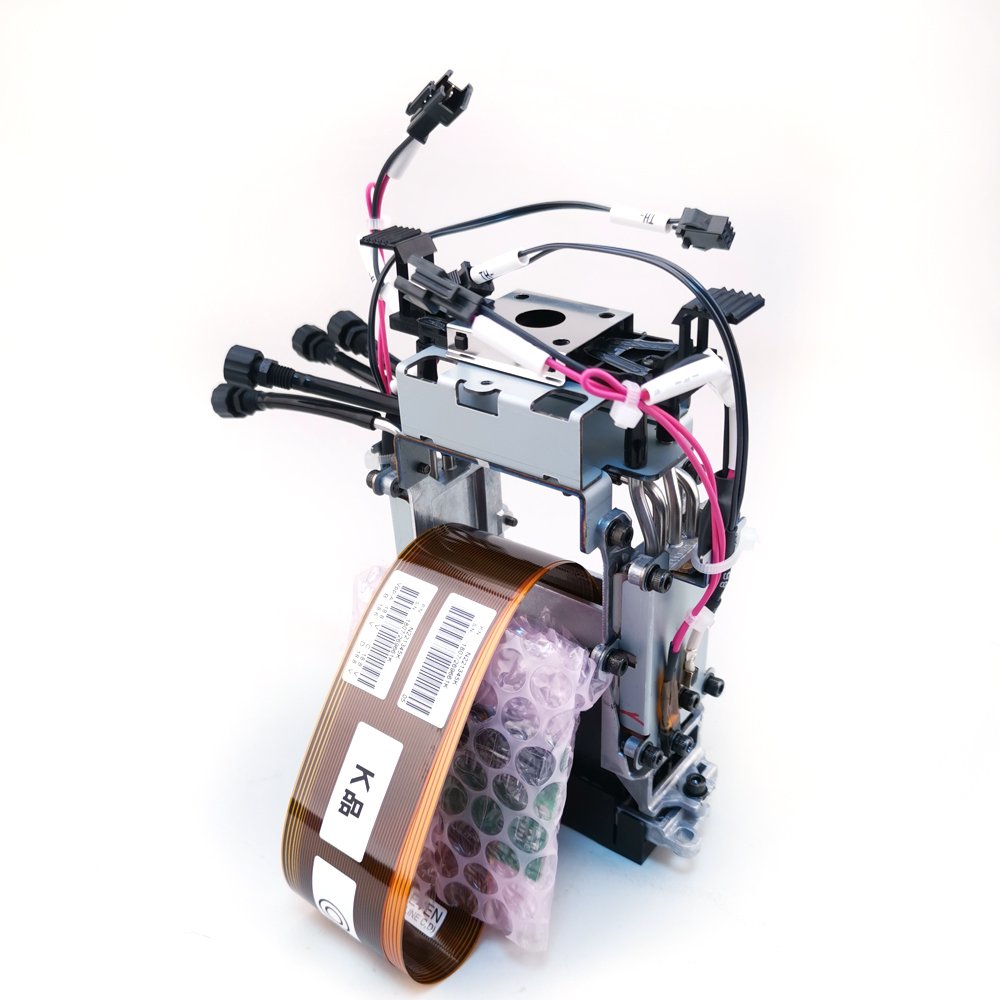
Ricoh Gen5 Printhead Maintenance Assy for Mimaki JFX200-2513 (MP-M022625)
- Brand
- Mimaki
- Model
- MP-M022625
printerhead
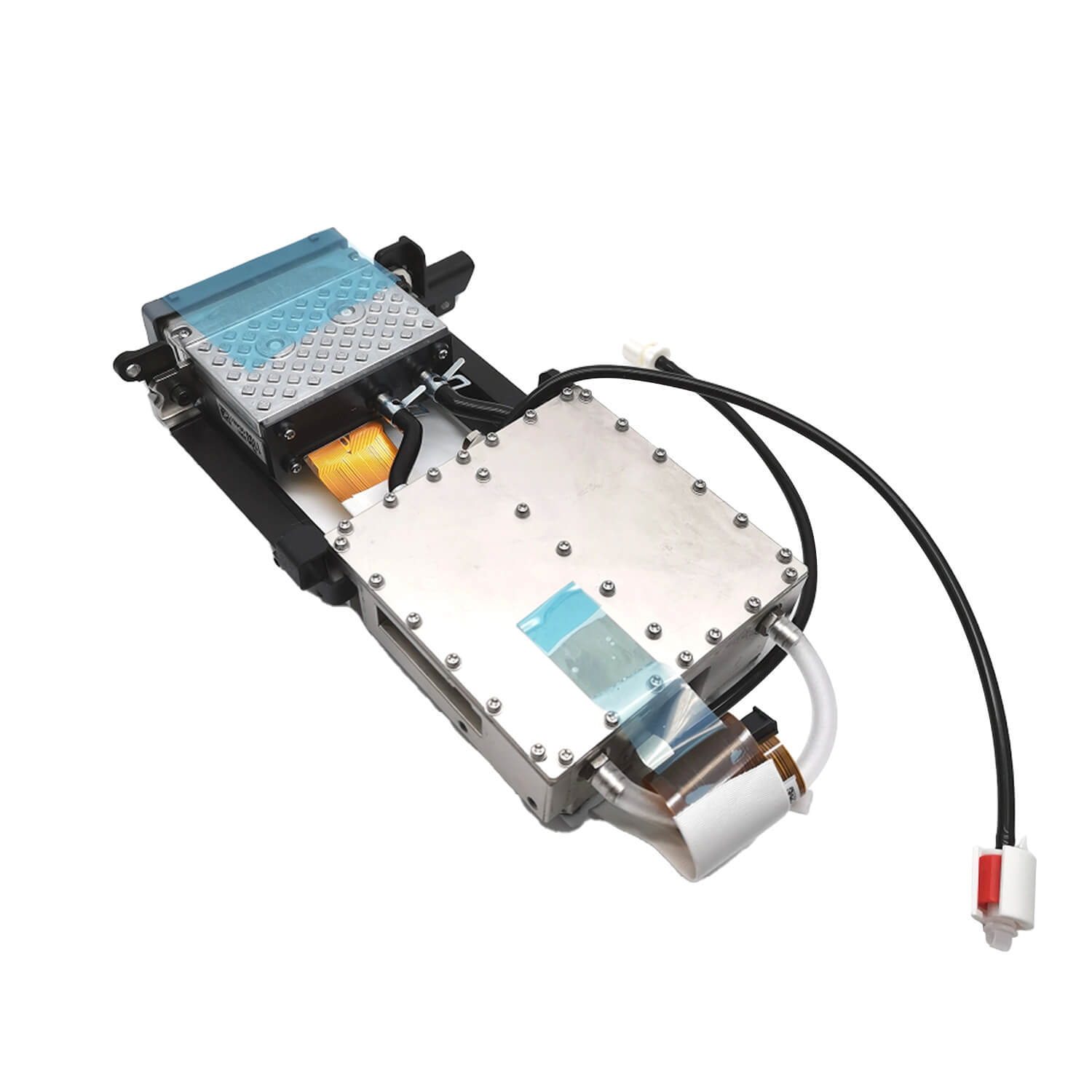
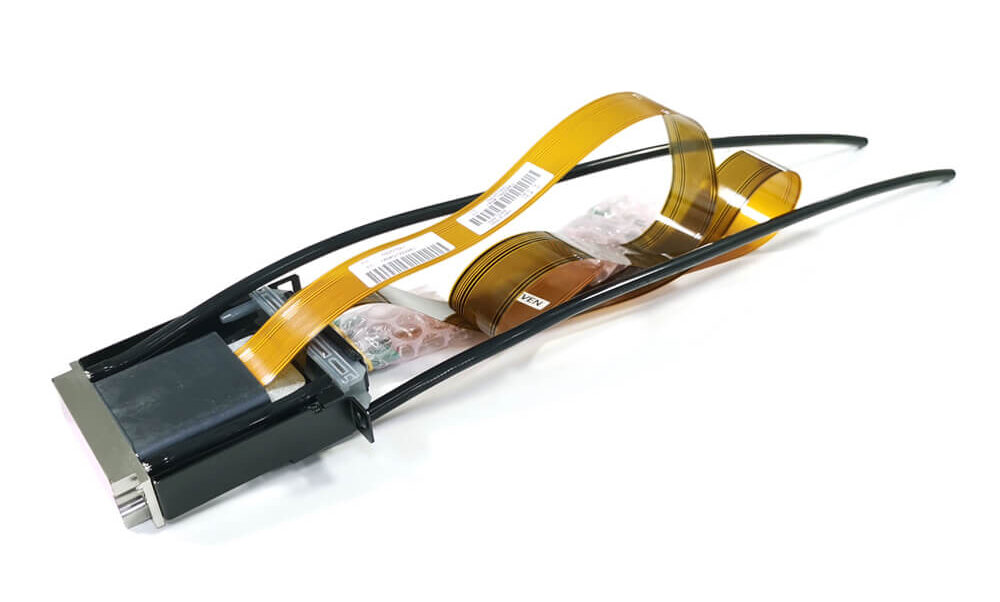
Ricoh Gen4 Print Head Mimaki UJF3042 Printhead (MP-M010010)
- Brand
- Mimaki
- Model
- MP-M010010
printerhead
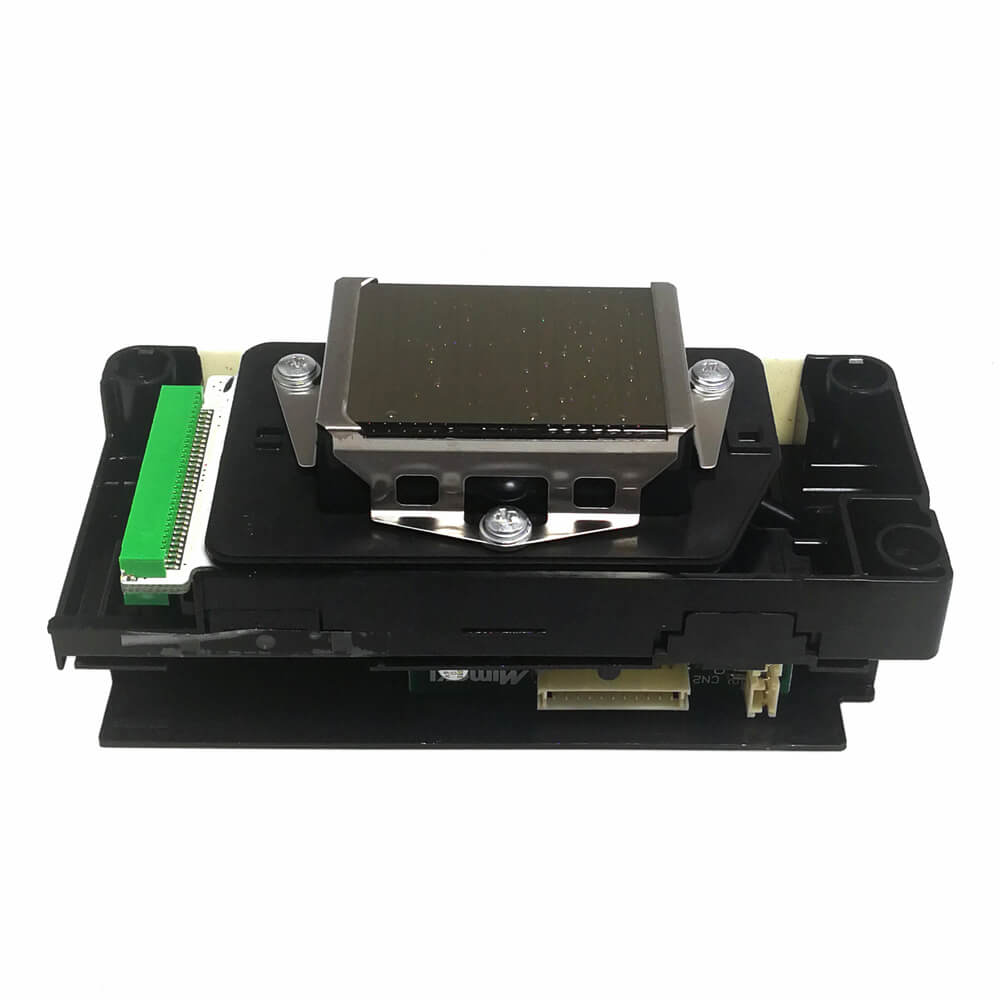
Mimaki JV33/JV5 Print Head Mimaki DX5 Printhead (MP-M007947)
- Brand
- Epson
- Model
- MP-M007947
printerhead
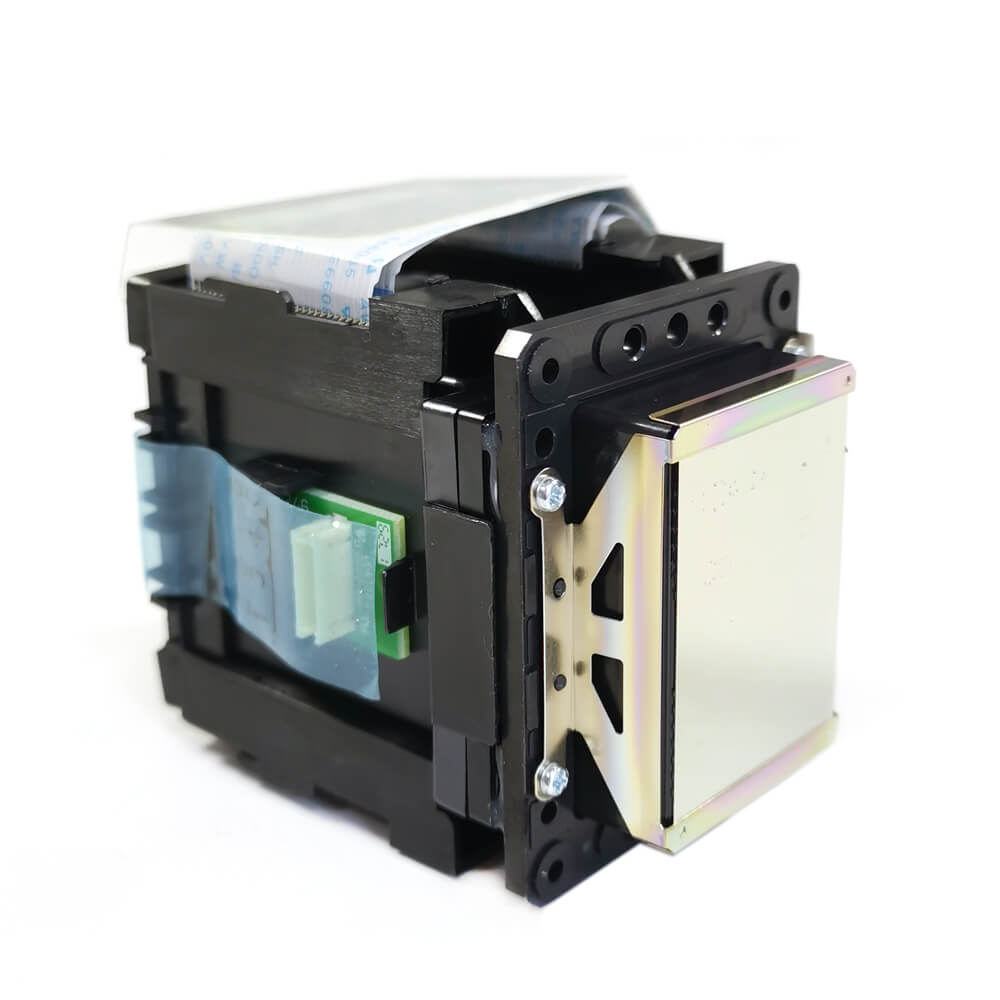
Mimaki CJV150 Printhead CJV300/JV150/JV300 Printhead (MP-M015372)
- Brand
- Mimaki
- Model
- MP-M015372
FAQ
Which printhead does my Mimaki printer use?
The printhead installed in a Mimaki printer depends on the specific model and printing technology. For example, the JV33, JV5, and CJV30 use Epson DX5-based heads, while the CJV300 and JV34-260 use DX7-based heads. Several industrial models, including the JFX200-2513, JFX500-2131, UCJV300, JV400-LX, JV400-SUV, and TS500-1800, use Ricoh Gen5 printhead systems. Other Mimaki machines use Toshiba, Panasonic, or other printhead technologies. Always check the printer model and original Mimaki part number.
Are Mimaki printheads the same as Epson or Ricoh printheads?
Mimaki printers can use printhead technologies from manufacturers such as Epson, Ricoh, Toshiba, and Panasonic, but the complete replacement assembly may be different from the standalone OEM printhead. For example, a Mimaki JFX200-2513 head assembly may use a Ricoh MH5420, while the JV33 uses an Epson DX5. Mimaki assigns its own part numbers and may integrate additional components such as cables, boards, heaters, or connectors. For accurate replacement, match the Mimaki part number and printer model rather than relying only on the underlying printhead model.
How long should a Mimaki printhead last?
Printhead lifespan varies by model, ink type, production volume, and maintenance routine. Epson DX5-based heads in JV33 and JV5 printers typically last around 12 to 24 months, while DX7-based heads in models such as the CJV300 can last 18 to 24 months. Ricoh Gen5-based heads used in JFX, UCJV, and JV400 series machines can often operate for 2 years or more with proper care. Regular nozzle checks, effective capping, clean ink systems, proper ink temperature, and compatible inks can all help extend printhead life.
How do I clean a Mimaki printhead?
Use the printer's built-in cleaning functions first and perform a nozzle check to evaluate the result. If manual cleaning is required, use a compatible printhead cleaning solution and lint-free cleaning tools appropriate for the ink system. Avoid excessive pressure or direct contact with the nozzle surface, as improper cleaning can cause permanent printhead damage.
Should I replace the head cables when I install a new Mimaki printhead?
Yes — we strongly recommend replacing the head data cables when installing a new Mimaki printhead. Used cables develop micro-cracks and signal degradation that can cause nozzle dropouts and misfires on the new head, leading buyers to think the new printhead is defective. Replacing cables at the same time eliminates that variable and protects your printhead investment.